Brim 1.3.0
Brim is ready for iOS 27. Ask Siri what’s left to spend, and find any transaction from Spotlight.
Just Ask Siri
Ask how much you have left, what’s planned, or anything else in Brim. Find every phrase in Settings → Siri AI, then just say “Ask Brim what’s my budget”. Works on iOS 26 and iOS 27.
Check Any Category
Ask how much you have left for a category, like Coffee Shops, and Siri shows it right away.
Search From Anywhere
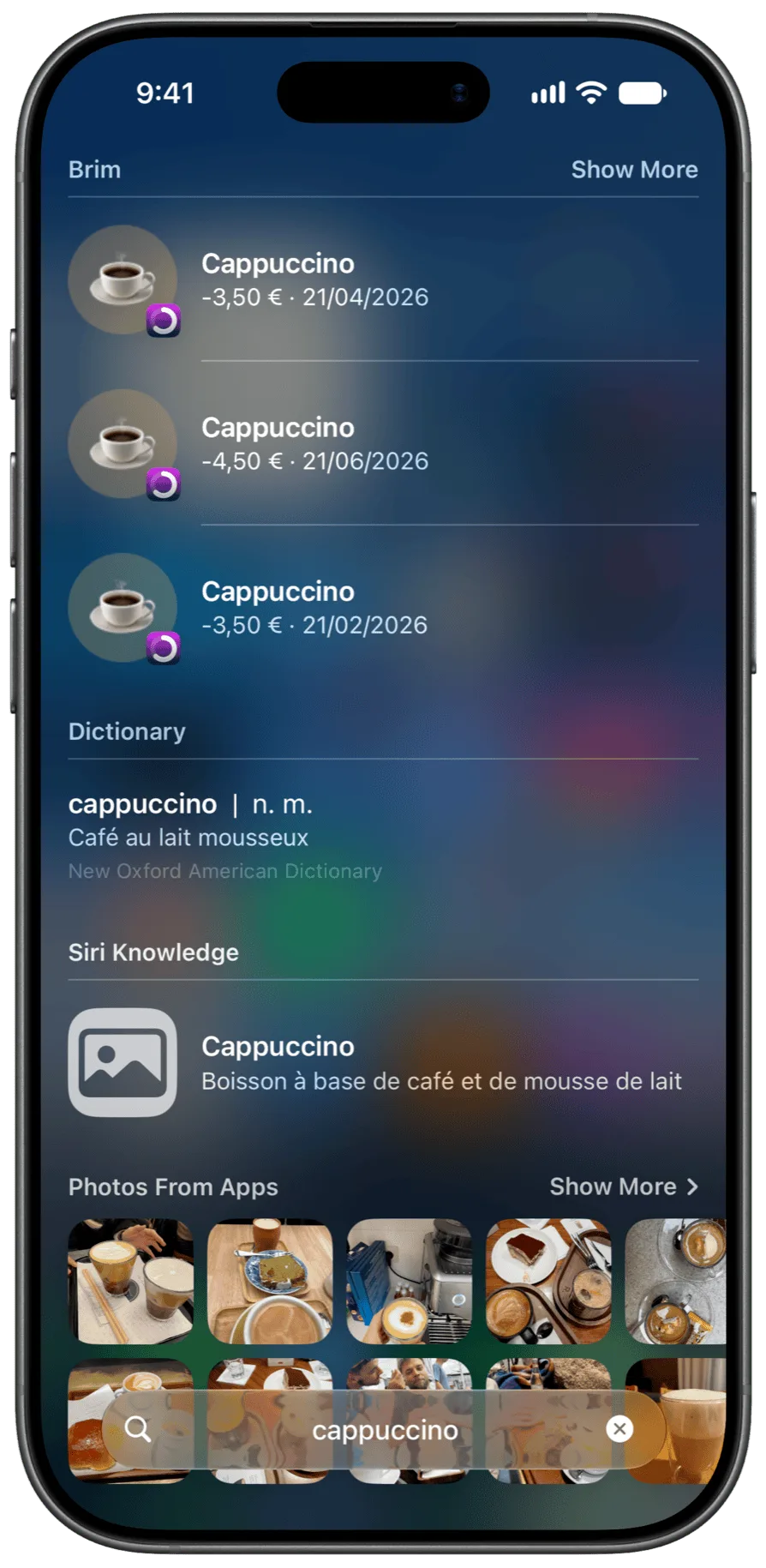
Type a note or a category in Spotlight to find matching transactions — so “groceries” turns up a receipt that never said groceries. Requires iOS 27.
A New Upcoming View
See every planned transaction ahead of you on a calendar, day by day.
New Widgets
See what’s due next right on your Home Screen, no need to open Brim. Keep upcoming payments and your budget on your Home Screen and Lock Screen.
Any Repeat You Can Think Of
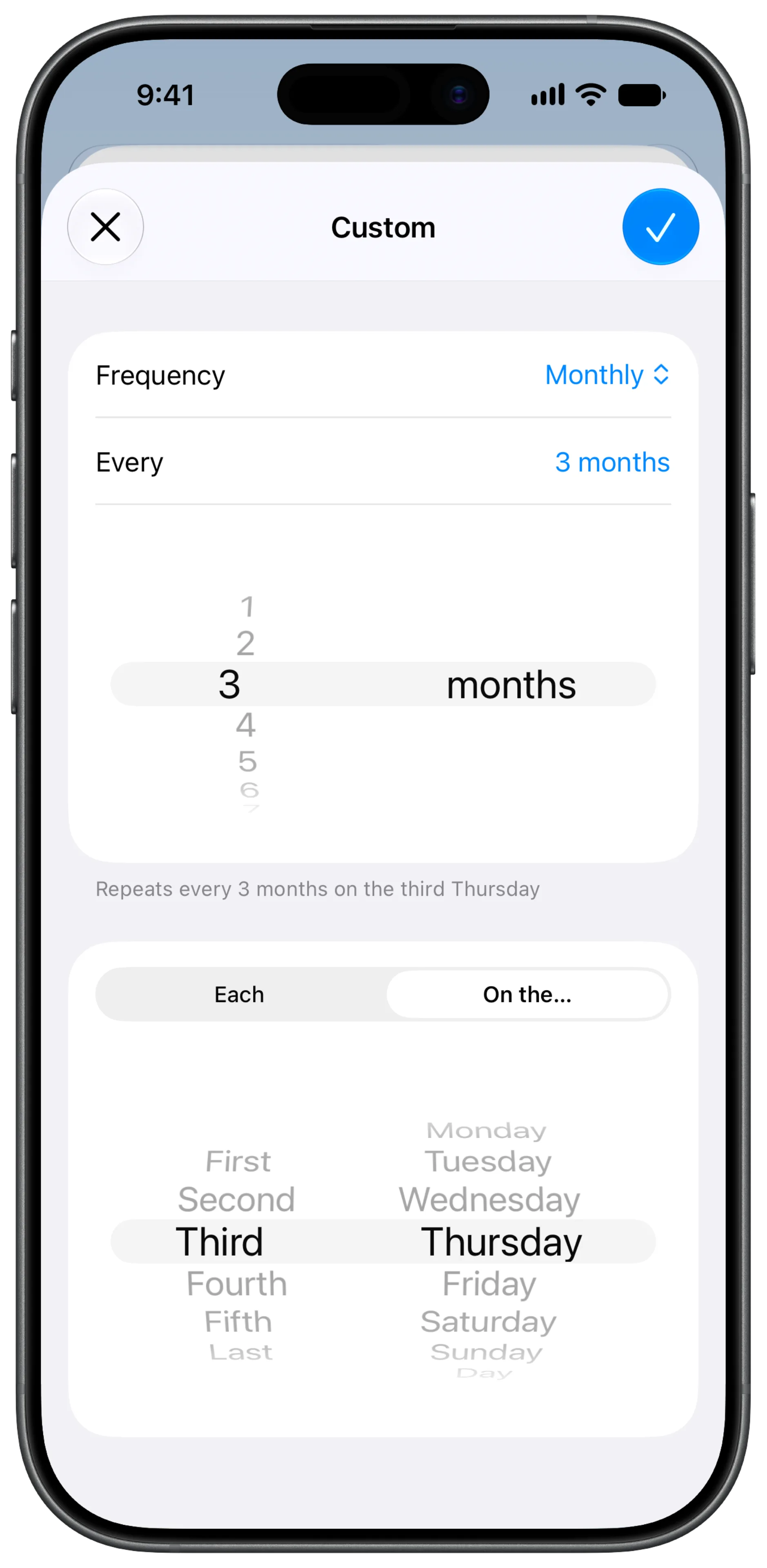
Set up schedules like every 3 months on the third Thursday. Pick specific days, weekdays, or months.
Never Miss A Payment
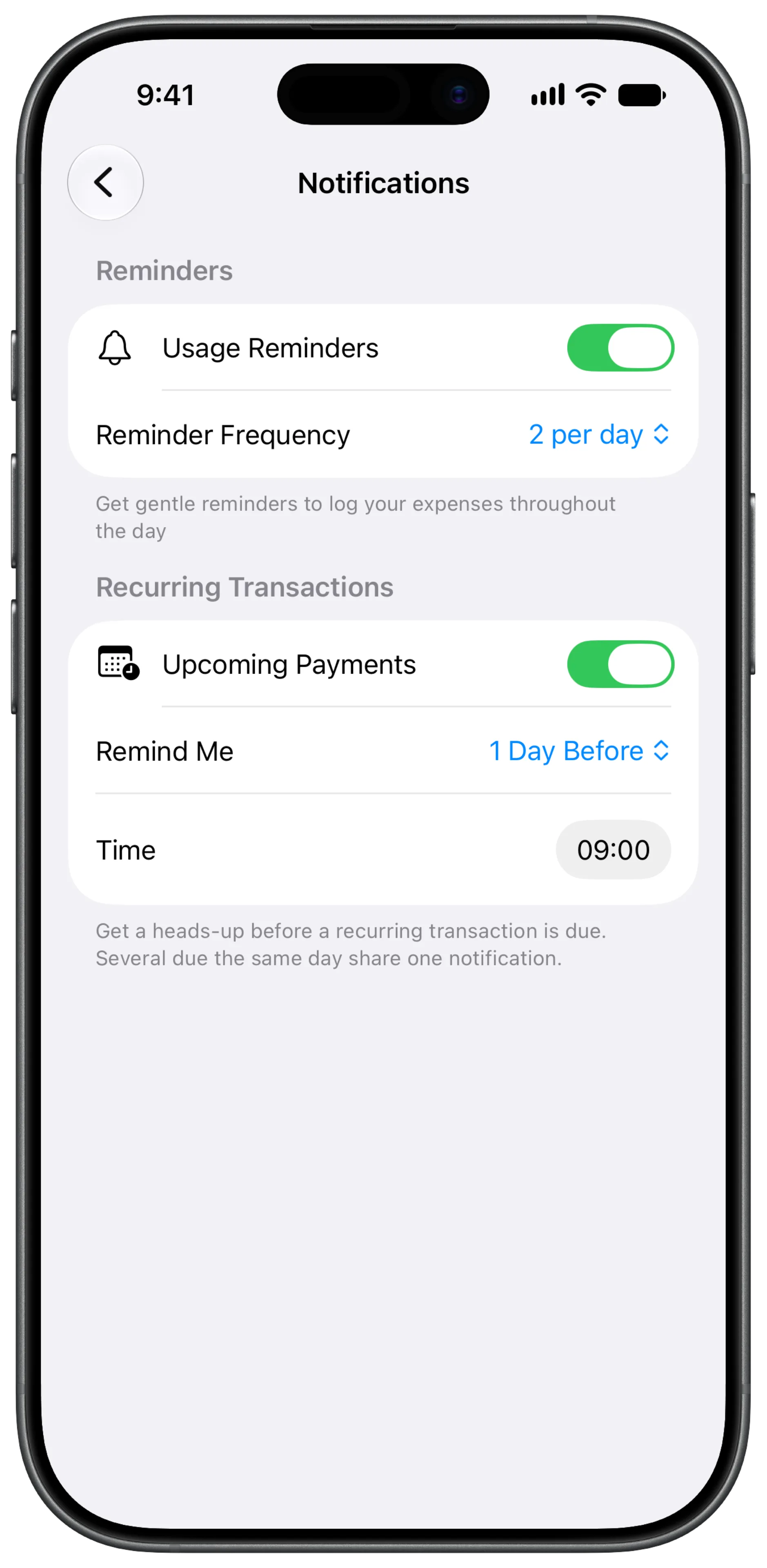
Get a heads-up before a recurring payment goes out. Pick how early and at what time in Settings → Notifications.