October 14, 2026Brim is ready for iPad and iPhone Duo. Your budget fills the big screen, and transaction lists get swipe to delete and multi-select.
Made For iPhone Duo
Unfold your iPhone Duo and insights open on the other half of the screen, with a fully designed navigation experience.
Made For iPad
Your budget fills the big screen, and insights open right beside it. Navigation is rethought from the ground up, so Brim feels at home on iPad.
Swipe To Delete
Swipe left on any transaction to delete it. Swipe a transaction left and tap Delete, or swipe all the way across.
Swipe To Process
In Upcoming, swipe a planned transaction left to process it right away.
Delete In Bulk
In All Transactions, tap Select, pick as many as you like, then tap the trash to delete them all at once.
October 13, 2026Brim is ready for iOS 27. Ask Siri what’s left to spend, and find any transaction from Spotlight.
Just Ask Siri
Ask how much you have left, what’s planned, or anything else in Brim. Find every phrase in Settings → Siri AI, then just say “Ask Brim what’s my budget”. Works on iOS 26 and iOS 27.
Check Any Category
Ask how much you have left for a category, like Coffee Shops, and Siri shows it right away.
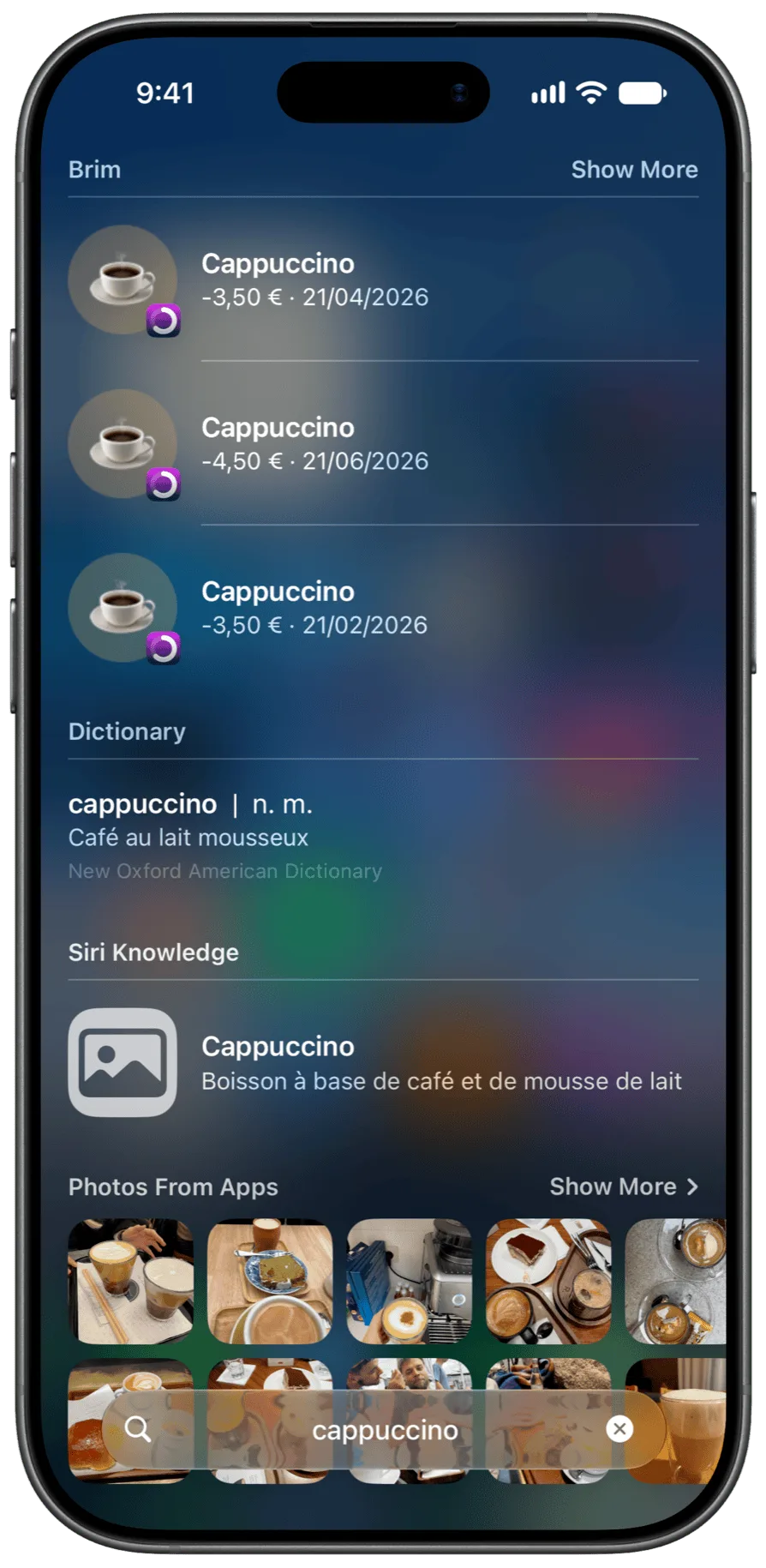
Search From Anywhere
Type a note or a category in Spotlight to find matching transactions — so “groceries” turns up a receipt that never said groceries. Requires iOS 27.
A New Upcoming View
See every planned transaction ahead of you on a calendar, day by day.
New Widgets
See what’s due next right on your Home Screen, no need to open Brim. Keep upcoming payments and your budget on your Home Screen and Lock Screen.
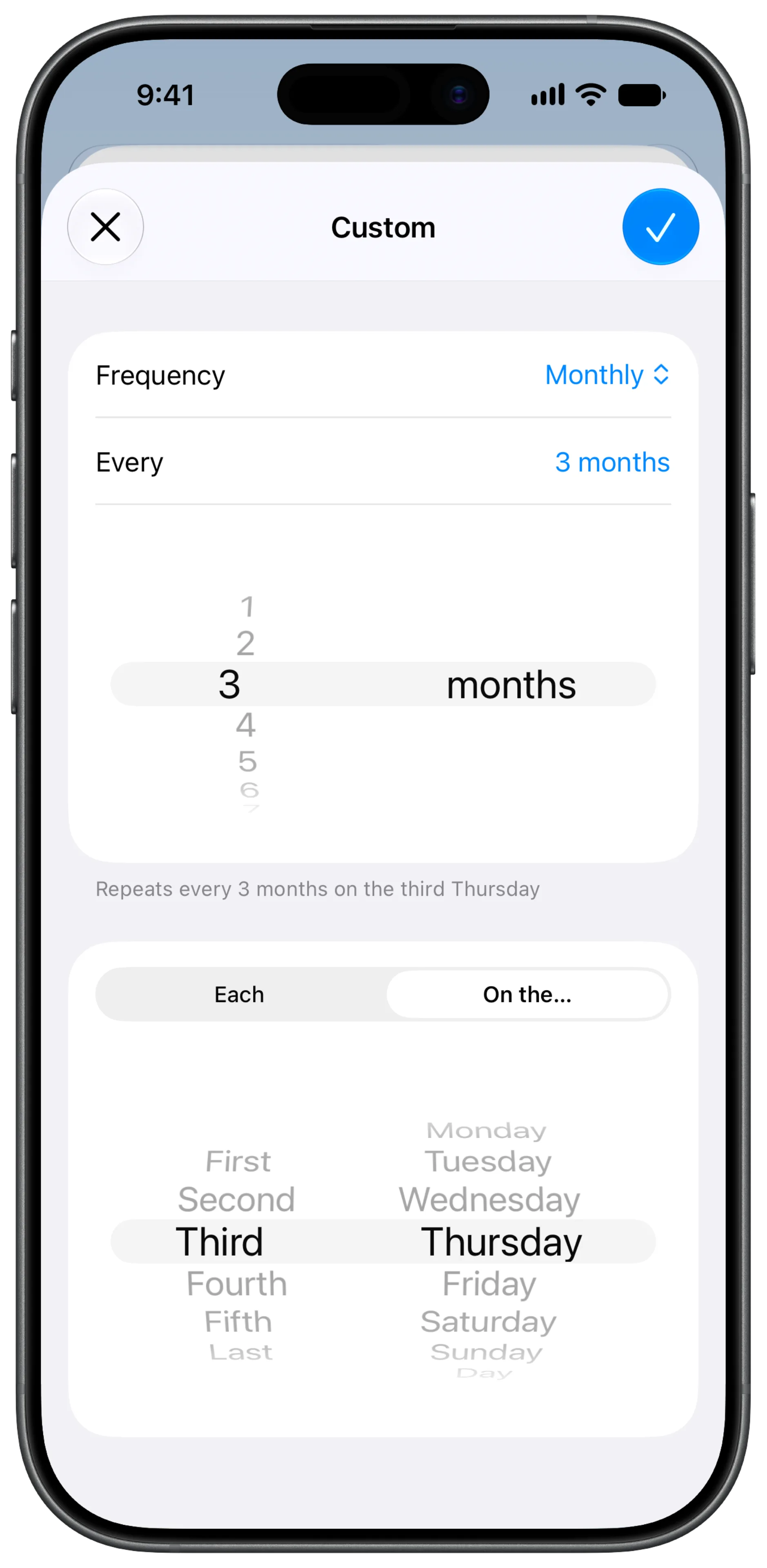
Any Repeat You Can Think Of
Set up schedules like every 3 months on the third Thursday. Pick specific days, weekdays, or months.
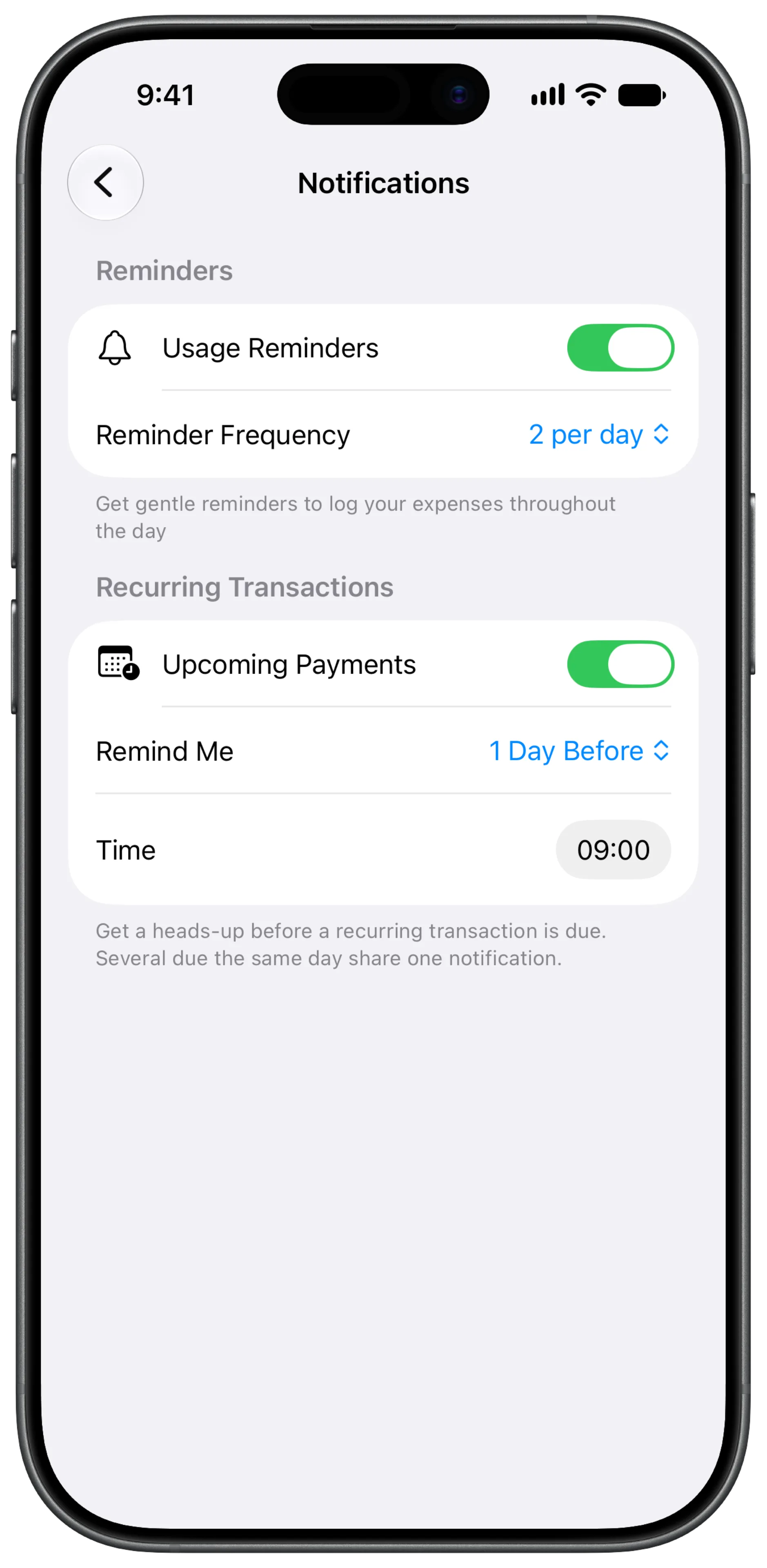
Never Miss A Payment
Get a heads-up before a recurring payment goes out. Pick how early and at what time in Settings → Notifications.
 September 10, 2026
No more signing in, and a new way to organize your budgets.
No More Signing In
Brim has no accounts and no passwords anymore. Just open the app and start budgeting.
Meet Spaces
Had more than one account? Each one is now a Space. Keep separate budgets side by side and switch between them from Settings.
A New Number Pad
The keypad you type amounts on is rebuilt in Liquid Glass - clear in the light, frosted in the dark.
August 23, 2026Better Apple Pay Guide
The setup guide now opens with a real payment, so you can see exactly what happens after you tap to pay.
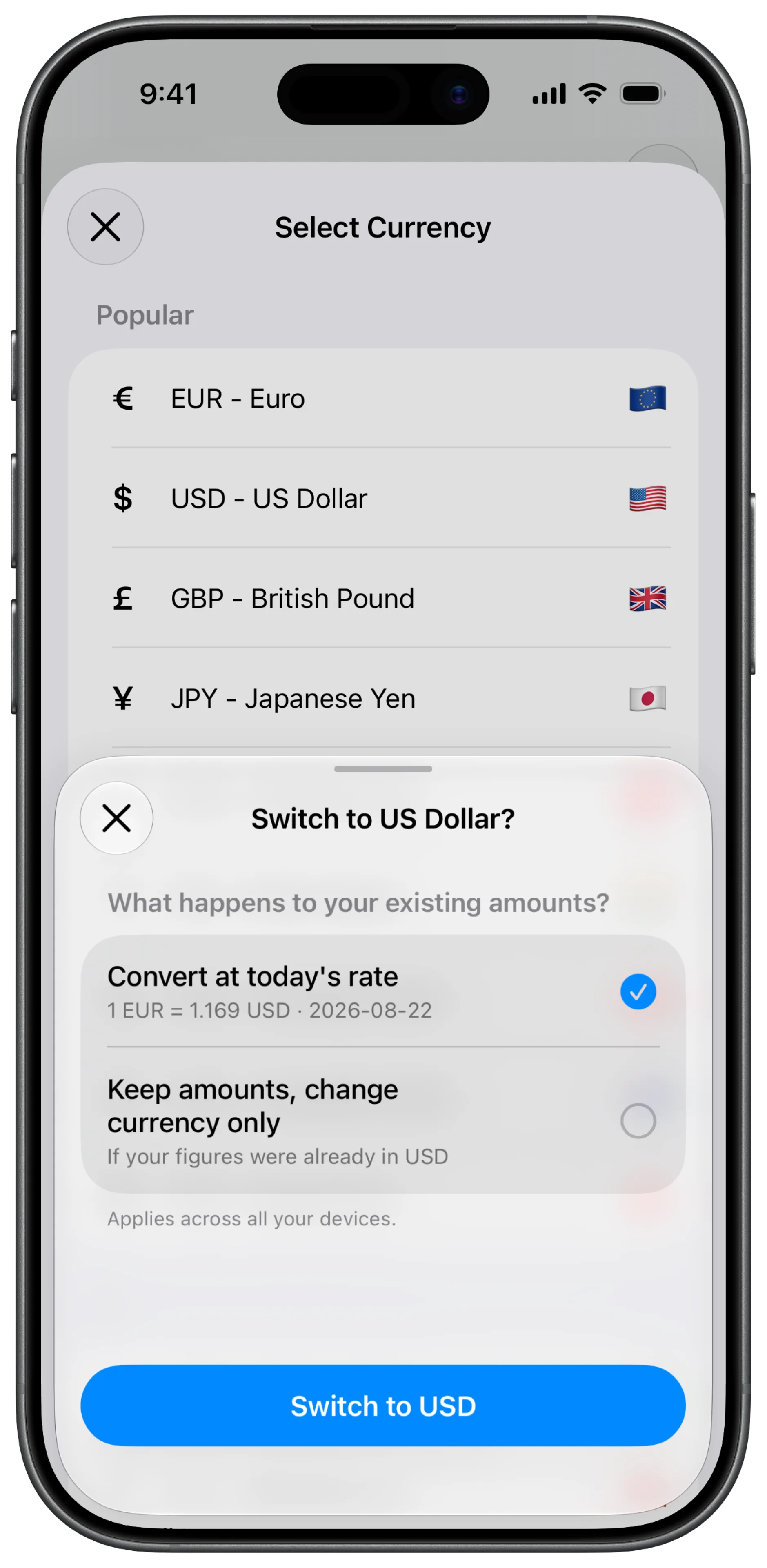
Currency Fixes
Switching your budget currency keeps your amounts exact, and the Moroccan dirham now shows as DH.
Fixed
- Transfers into an account now show in green
- Deleting an account takes you back to your accounts list
August 17, 2026Spend in any currency.
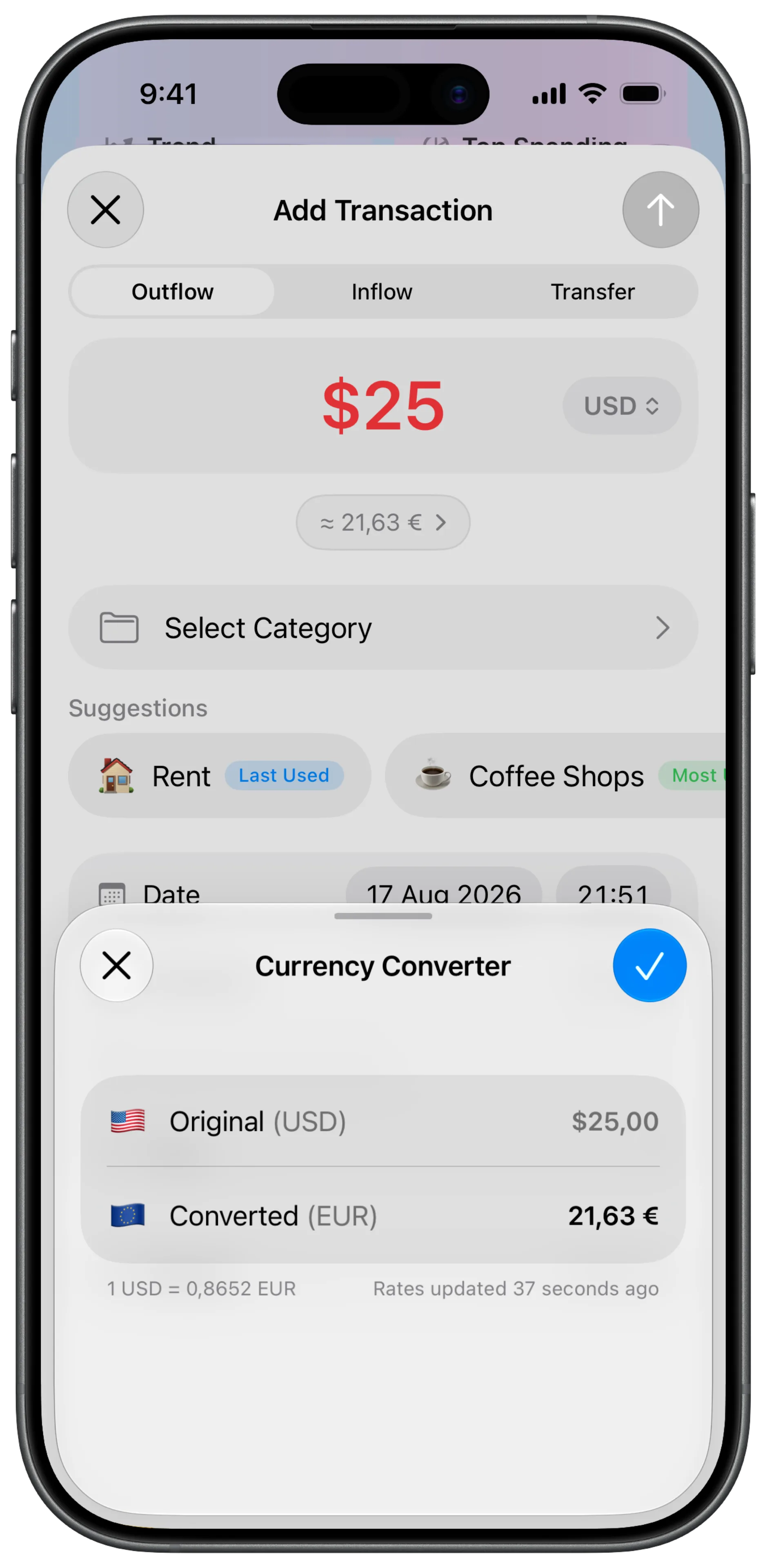
Multiple Currencies Are Here
Add a transaction or open an account in any currency — Brim converts it automatically.
Redesigned Account Editor
Change an account’s type or currency any time, right from the edit screen.
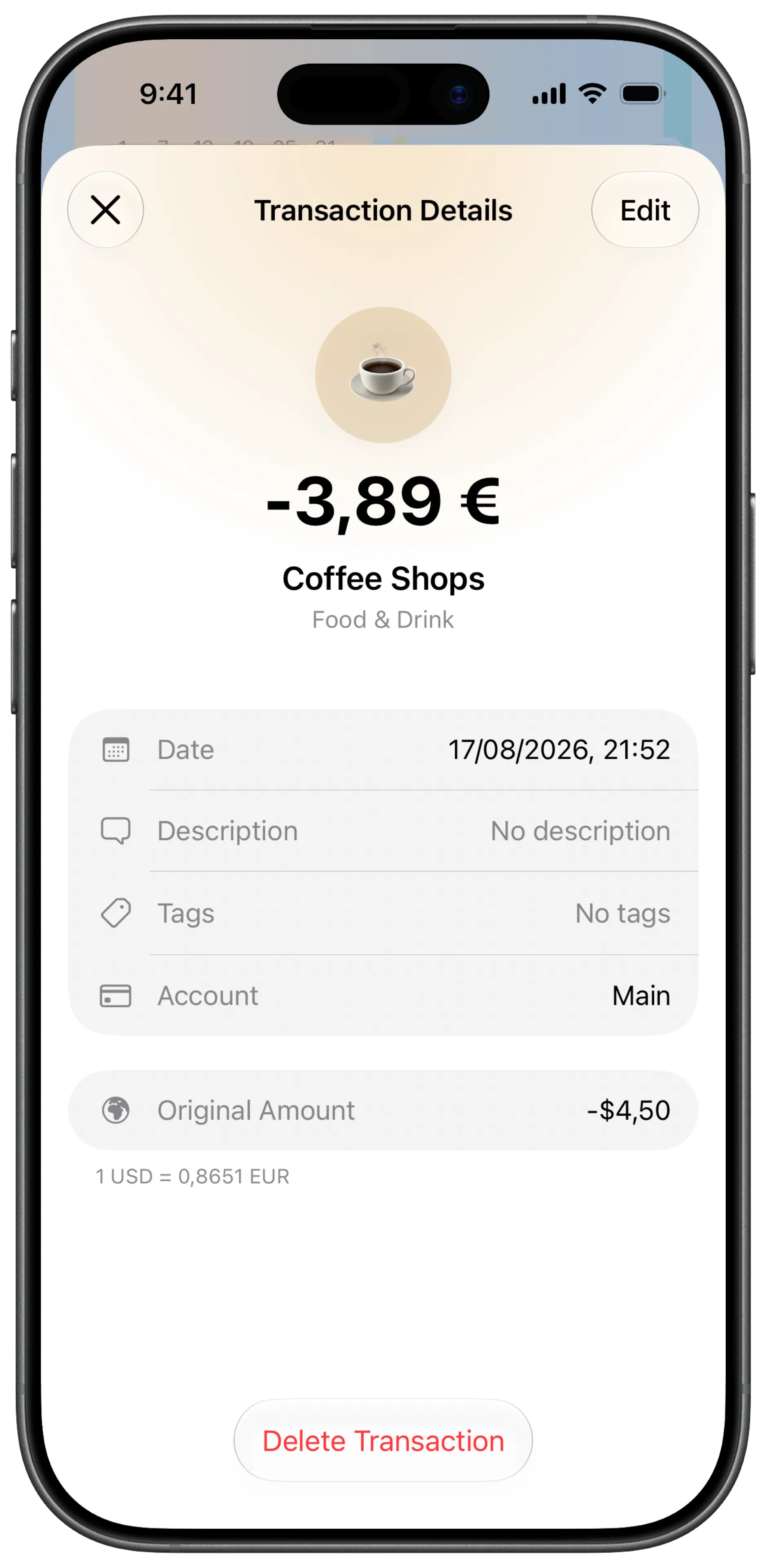
Cleaner Transaction Details
A new currency section shows the original amount and the rate, alongside a redesigned delete button.
A Better Apple Pay Guide
The setup video now follows you into Shortcuts in a floating window, so you can watch and build at the same time.
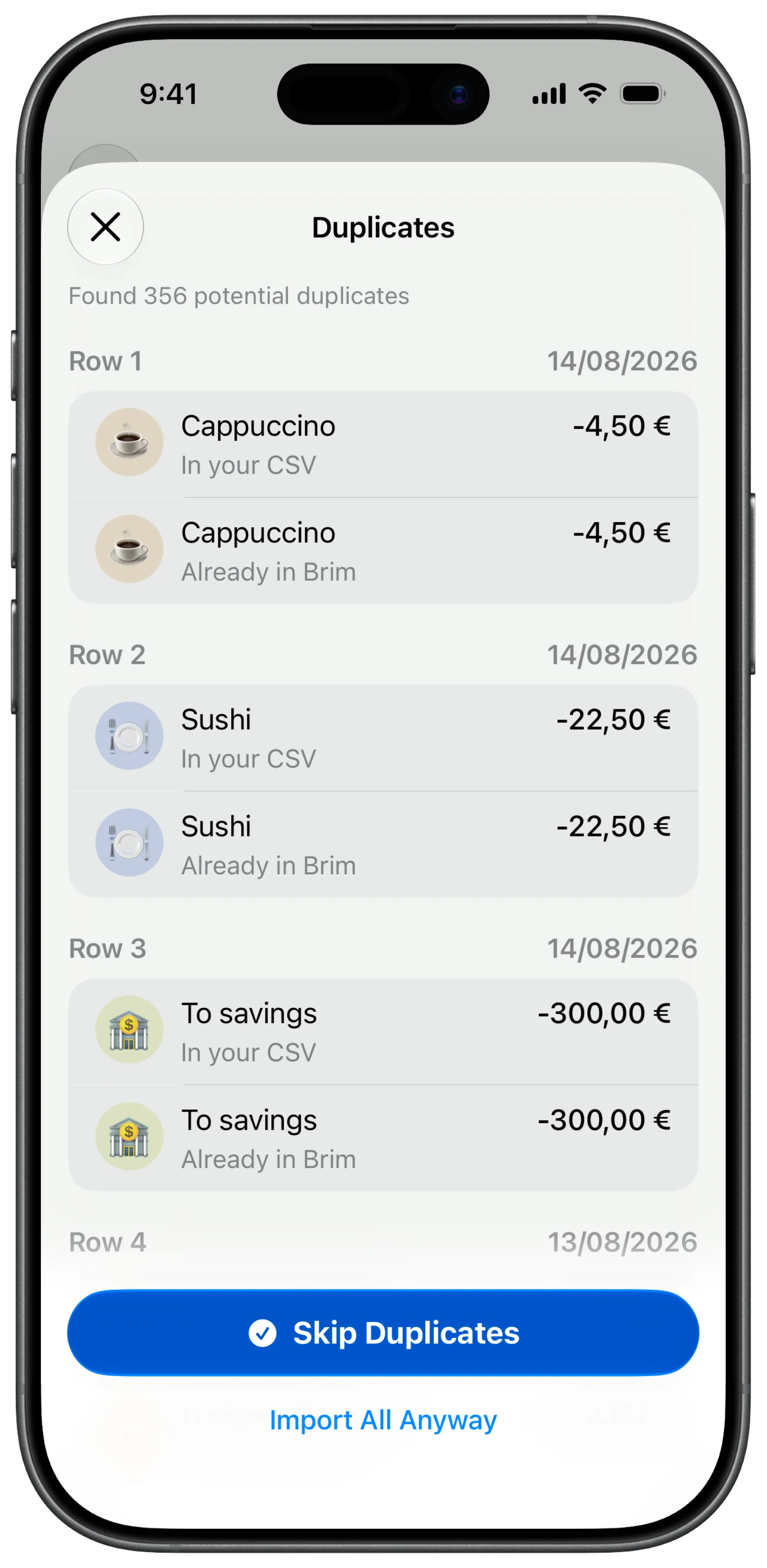
Faster, Smarter Import
Importing is quicker, and Brim now tells you exactly what didn’t import instead of failing silently.
Redesigned Import View
A cleaner import screen that makes it obvious what’s about to land in your budget.
Lifetime Plan
Pay once, own Brim forever. You’ll find it in Settings.
Fixed
- Saving rate accuracy
- Dark mode glitches
- Notification settings