Brim 1.4.1
A clearer Saving Rate, red over-budget amounts and instant category changes.
A Clearer Saving Rate
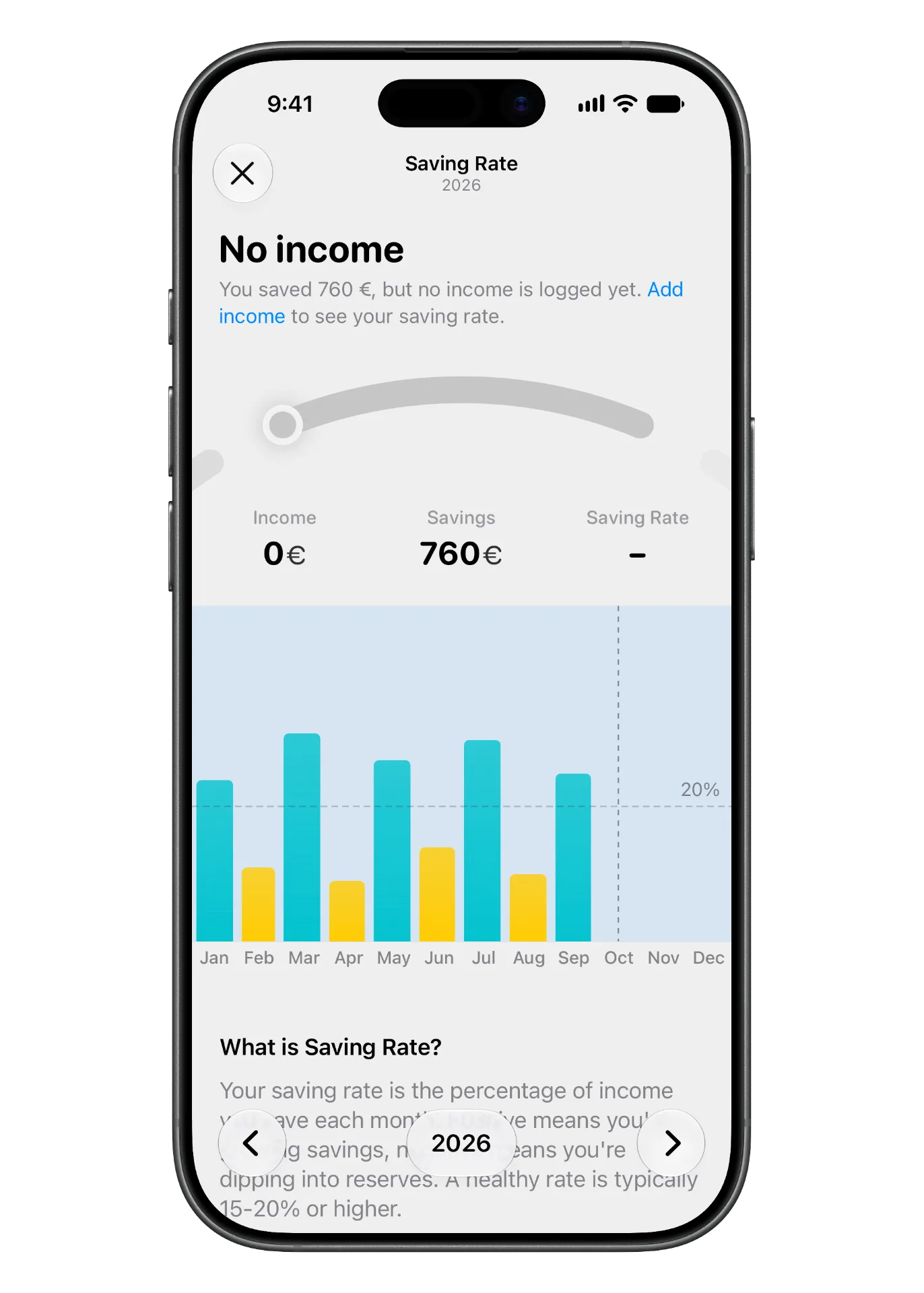
Saved money but haven’t logged any income yet? Brim now says “No income” instead of showing 0%, and points you to add your income.
Over Budget In Red
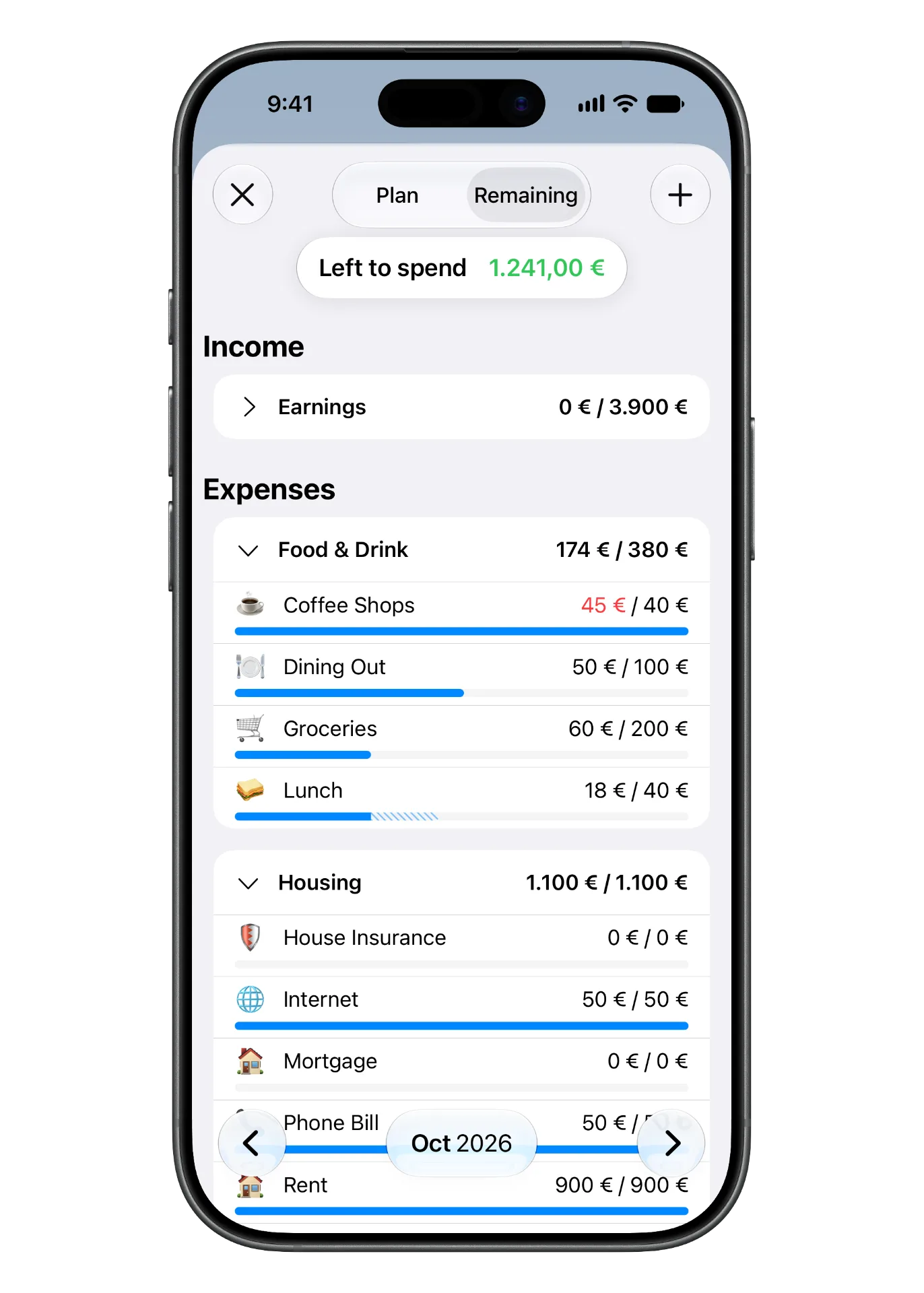
In the Budget tab, amounts that go over budget turn red, so you can spot an overspent category at a glance.
Instant Category Changes
Change a category’s type and it moves to its new section right away.